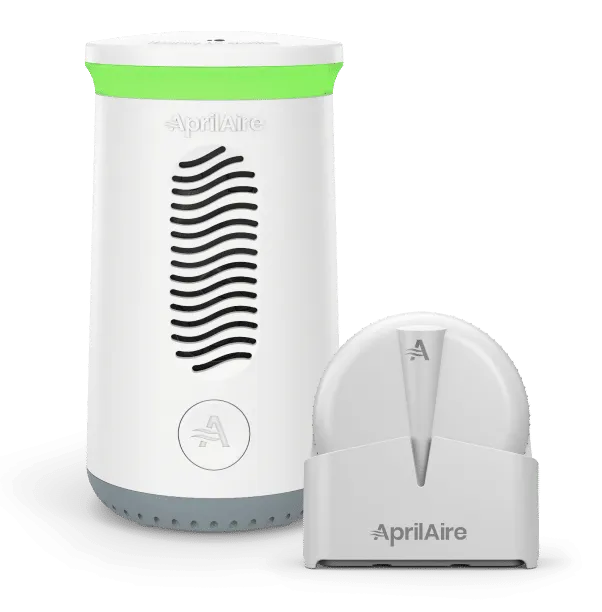
Energy Savings
Control your home’s air with efficiency in mind.
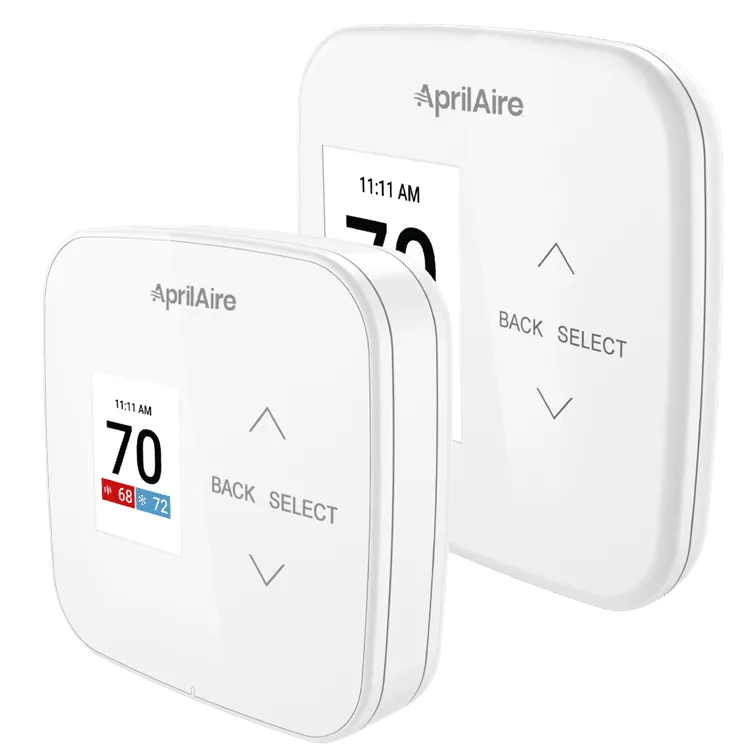
We have been delivering Healthy Air since 1954 to help you feel better, sleep better, and live better. With solutions to manage all aspects of Indoor Air Quality for all types of homes in all environments, AprilAire is committed to helping you achieve a greater quality of life. AprilAire Thermostats make it convenient for you to control and monitor your home’s air quality, benefitting your health and comfort. AprilAire Humidifiers, Dehumidifiers, Air Purifiers, and Ventilation products can be controlled from your thermostat (IAQ models only). This level of Indoor Air Quality control gives you reliability, convenience, and peace of mind.
Control your home’s air with efficiency in mind.
Adjust your air’s purity, humidity, and freshness—not just temperature.
Your home’s Indoor Air Quality is always at your fingertips.
Fill your home with Healthy Air for improved virus protection, greater health, increased productivity, and better sleep with the all-in-one AprilAire Healthy Air System®.
What’s Included:
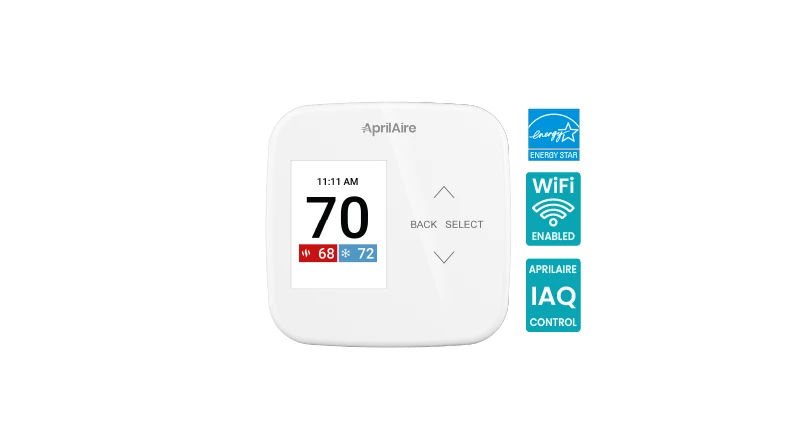
This ENERGY STAR-certified thermostat takes Healthy Air control to a whole new level. Monitoring and controlling Indoor Air Quality is a breeze with features like automatic humidifier and dehumidifier control, automatic air cleaning, and temperature control. And with the AprilAire Healthy Air App, you can achieve control from the palm of your hand, no matter where you are.
The new AprilAire Healthy Air App is here! It’s intuitive, easy-to-use, and optimized for reliability.
Download Now:



AprilAire offers a number of different thermostats plus compatible sensors that work with a wide range of heating and cooling systems, as well as your installed AprilAire Healthy Air solutions. Each AprilAire Thermostat provides accurate readings of your home’s temperature and can help improve your home’s energy efficiency. Learn more about AprilAire Monitors.
Be aware of your air with AprilAire Monitors and sensing options to paint a complete picture of the Indoor Air Quality in your home when paired with AprilAire Wi-Fi Thermostats. Take mitigation action when unhealthy conditions are detected.